These symbologies cover a broad range of use-cases including product identification, logistics, inventory management, procurement and advertising.
Our scanner utilizes WASM technology.
Due to its operational nature, which attempts to find a barcode from a still image, certain images might not be scannable, even though our live scanner would detect them.
Latest Barcode Scanner SDK Articles, Tutorials, and News
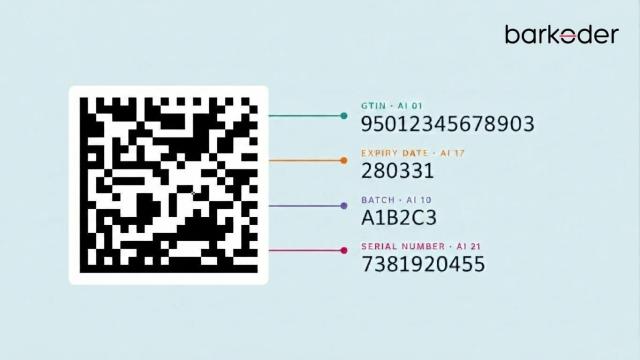
Bahrain already scans medicine barcodes at the pharmacy counter, and Qatar has given the industry one year to follow, so here’s what your scanning app needs to handle.
A barcode that scans easily in an office can quickly stall a warehouse workflow on a dusty or glossy box. Choosing the right barcode scanner SDK for logistics isn't about reading clean labels - it’s about keeping parcel, receiving, and delivery workflows moving under tough, real-world conditions.
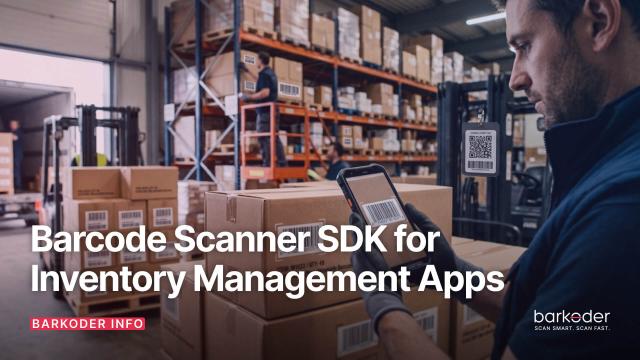
Barcode scanning helps inventory apps streamline stock counting, receiving, picking, packing, and asset tracking. Discover how a barcode scanner SDK can simplify these workflows, support GS1 data, and help developers build reliable inventory management solutions.
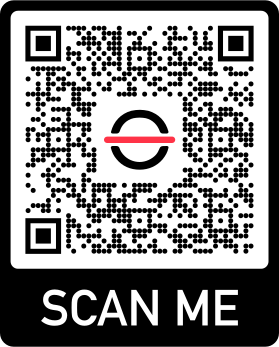
To fully experience the speed and accuracy of the Barcode Scanner SDK on your Android or iOS device, simply head to your preferred App Store by clicking on the respective button, or scan the QR Code with your camera.
barKoder Demo App for iOS
barKoder Demo App for Android
barKoder Demo App for Web
Ready-made Product Data Sheet and Testing Sheet
Optimizing your experience with our app is effortless using our comprehensive Barcode Scanner SDK testing sheet, encompassing a variety of 1D and 2D barcode types.
Simply print or display the sheet on your device, and proceed to scan each barcode using our demo app. This efficient testing method ensures that our app seamlessly recognizes and processes diverse barcode formats, assuring you of its reliability and versatility across different code types.
We Value Your Privacy
We use cookies to enhance your browsing experience, analyze site traffic, and personalize content.
You can choose which cookies to accept.
Cookie Preferences
We use different types of cookies to optimize your experience on our website.
Click on the categories below to learn more and adjust your preferences.
Necessary Cookies
These cookies are essential for the website to function and cannot be disabled. They are usually set in response to actions you take, such as setting privacy preferences, logging in, or filling out forms.
Always ActiveView Cookies
barkoderCookieConsent - Stores your cookie preferences
barkoder_session - Session identifier for logged-in users
csrf_token - Security token for form submissions
Functional Cookies
These cookies enable enhanced functionality and personalization, such as chat support, videos, and social media features. They may be set by us or third-party providers.
View Cookies
user_preferences - Stores UI preferences
language - Language selection
theme - Theme preferences
Analytics Cookies
These cookies help us understand how visitors interact with our website by collecting and reporting information anonymously. This includes Microsoft Clarity and Google Analytics.
View Cookies
_ga, _gid, _gat - Google Analytics
_clck, _clsk, CLID - Microsoft Clarity
Marketing Cookies
These cookies are used to track visitors across websites to display relevant and personalized advertisements. They help measure the effectiveness of advertising campaigns and conversions.
View Cookies
_fbp - Facebook Pixel
_gcl_au - Google Ads
IDE, test_cookie - Google DoubleClick
_uetmsclkid, _uetvid, _uetsid, MUID - Microsoft Bing UET (Universal Event Tracking)