Industries

Barcode scanning SDK for every industry

Retail, logistics, healthcare, manufacturing, automotive and government teams build barKoder into their own apps to scan damaged, dense and blurry codes. One scanning engine runs on phones, tablets, rugged mobile computers, desktops and in the browser.
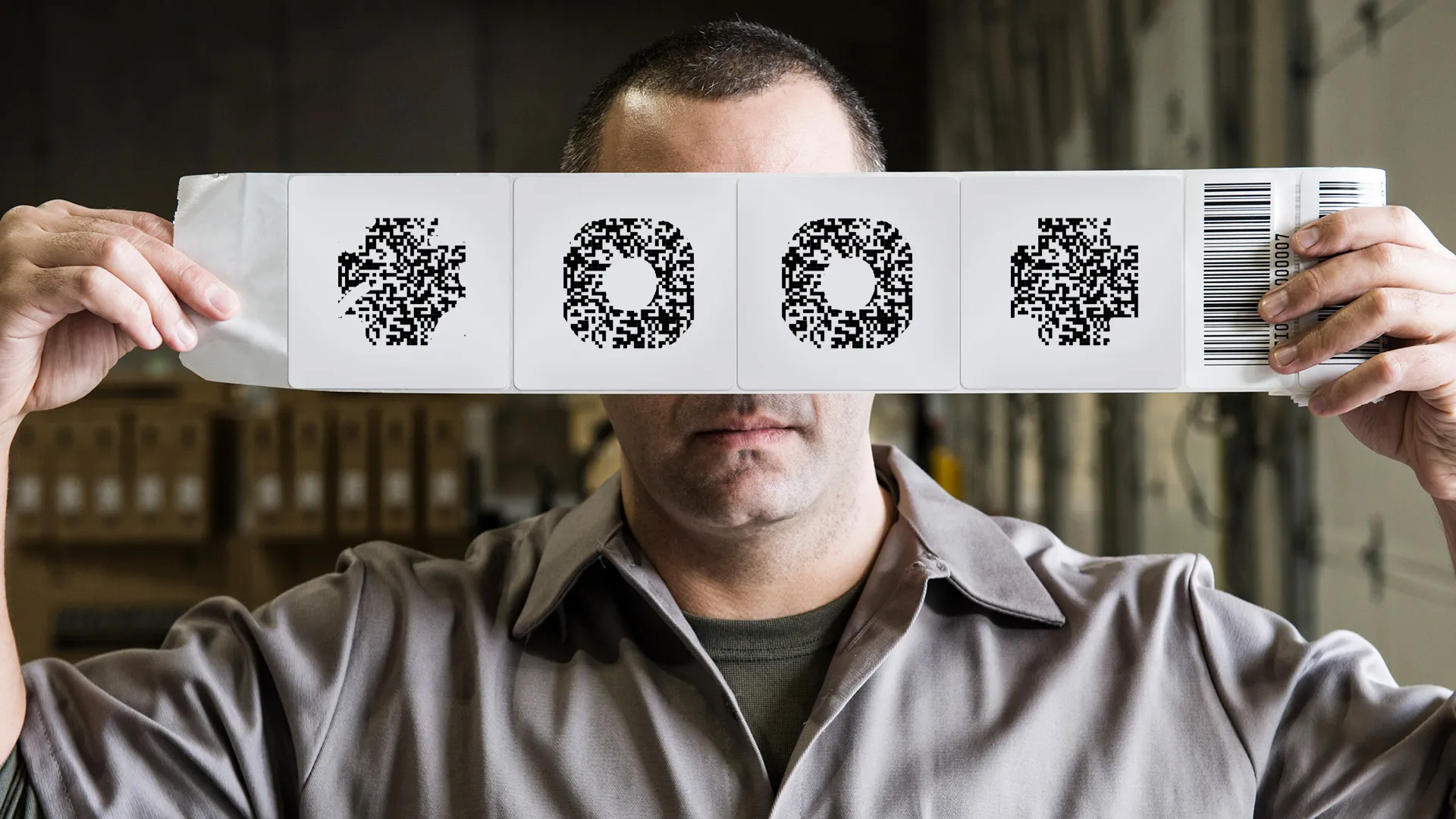
Worker holding up a strip of labels with damaged 2D codes and a linear barcode

Choose your industry

Each industry page shows the codes you'll scan, the barKoder features that read them and the customers already using them in production.

Features every industry uses

The same SDK covers hard-to-read codes, high-volume scanning and document data.

Read the codes that fail elsewhere

  • MatrixSight®: QR and Data Matrix codes with missing finder, timing or alignment patterns
  • PDF417-LineSight®: PDF417 with worn or missing start and stop patterns
  • Segment Decoding®: 1D barcodes deformed on curved surfaces
  • DeBlur: heavily blurred EAN and UPC barcodes
  • DPM mode: Data Matrix engraved on metal and other surfaces
  • DotCode: high-speed printed codes on packaging

Capture more with each scan

How teams evaluate barKoder

  1. List your codes Collect real samples from your workflow, including the worn, curved and blurry ones.
  2. Try the demos Scan them with the web demo or the Barcode Scanner by barKoder app.
  3. Get a trial key Start a free 30-day trial for up to 25 devices.
  4. Integrate Follow the barKoder docs for your platform and test on your target devices.

One scanning engine for every industry

The same barKoder engine runs in native, web, desktop and cross-platform apps, so every team in your company can scan with one SDK.

  • 7 native & desktop SDKs
  • 6 cross-platform integrations
  • One consistent scanning core

Results from teams in production

Three of the customers using barKoder across government, logistics and healthcare.

WayMark Infotech

Government · Voter registration · Android and Web SDK

Up to 80%faster registration processing

500 licenses deployed nationwide, with offline scanning in remote areas and near-zero data entry errors.

Registration processing times improved drastically, and data entry errors virtually disappearedPaul Sentle, Software Development Manager, WayMark Infotech
Read the WayMark Infotech story →

Grupo ampm

Logistics

85%improvement in scanning performance

Fewer incorrect and inconsistent scans, and smartphones replaced dedicated scanners.

With barKoder, we got better performance overall.Cuauhtemoc Guerra, Grupo ampm
Read the Grupo ampm story →

MIT Group

Medical-supply logistics · Web SDK

More than 3xbetter scanning performance

Reads very small barcodes and QR codes in low light and difficult warehouse conditions, with less dependence on hardware readers.

barKoder has impressed us with its speed and accuracy, even in challenging conditions.Lubos Liska, MIT Group
Read the MIT Group story →

See all barKoder customer stories, from VIN scanning to MRZ guest check-in.

Try barKoder on your phone or in your browser

Install the free barKoder demo app, or open the web demo, and scan your own barcodes before you integrate the SDK.

iPhone and iPad

barKoder demo app for iOS

Scan with your camera, or point it at the QR code to open the App Store.

Download on the App Store
QR code linking to the barKoder demo app on the App Store

Android phones and tablets

barKoder demo app for Android

Scan with your camera, or point it at the QR code to open Google Play.

Get it on Google Play
QR code linking to the barKoder demo app on Google Play

Any modern browser

barKoder web demo

Runs the Web SDK in your browser, on desktop or mobile, with nothing to install.

Open the web demo
QR code linking to the barKoder web demo

Test with known samples. Print or display the testing sheet and scan each 1D and 2D barcode with the demo app. The data sheet summarizes the SDK for your team.

Barcode scanning SDK questions by industry

Which industries use the barKoder SDK?

Customers use barKoder in retail kiosks, logistics and parcel networks, warehouses, manufacturing track and trace, medical-supply logistics, government voter registration, automotive dealerships and transport, events and gaming, hospitality check-in and field service. Each industry page above lists the matching customer stories.

Can one SDK cover several workflows in our company?

Yes. The same SDK reads the common 1D and 2D symbologies and includes MRZ scanning, VIN scanning and the data parsers, so one integration can handle shipping labels, parts, ID documents and product codes. You enable the decoders and features each screen needs. Some features, such as MRZ and VIN OCR, need a license key with that feature enabled.

Which platforms does barKoder support?

Native Android and iOS, Web (WebAssembly), Windows, Linux, C# and Python, plus Flutter, React Native, .NET MAUI, Capacitor, Cordova and NativeScript. Capacitor targets iOS and Android. MRZ scanning works on all platforms. VIN OCR is available on the mobile SDKs and frameworks, not yet on Web. See all platforms and frameworks.

Can smartphones replace dedicated barcode scanners?

For many workflows, yes. Grupo ampm replaced dedicated scanners with smartphones, and The Dealer Plate scans dense PDF417 codes on ordinary phones. Where you do use rugged devices, barKoder is a Zebra Registered ISV partner, and inexto runs it on Zebra TC mobile computers.

Does barKoder work offline?

Scanning runs locally on the device. The SDK connects only to check the license key, and each device must reach the licensing server at least once every 30 days.

Is scanned data sent to barKoder?

No. Decoded barcode content is not sent to barKoder because you used the SDK, and barKoder doesn't collect or store personal information from scanned barcodes. See the Privacy Policy.

How do I get started?

Start a free 30-day trial for up to 25 devices, check pricing, or request a quote for your industry project. For technical questions, email support@barkoder.com.

Test barKoder on your industry's barcodes

Scan your own labels, parts and documents with a free 30-day trial for 25 devices, or talk to an SDK expert about your project.