Entertainment and gaming

Ticket, access-control and ID scanning SDK for events and gaming

Build check-in, ticket validation and venue access apps that run on staff phones, tablets and browsers. barKoder reads QR, Aztec and PDF417 tickets, recovers damaged QR and PDF417 codes, and reads passports and ID cards with the same SDK.

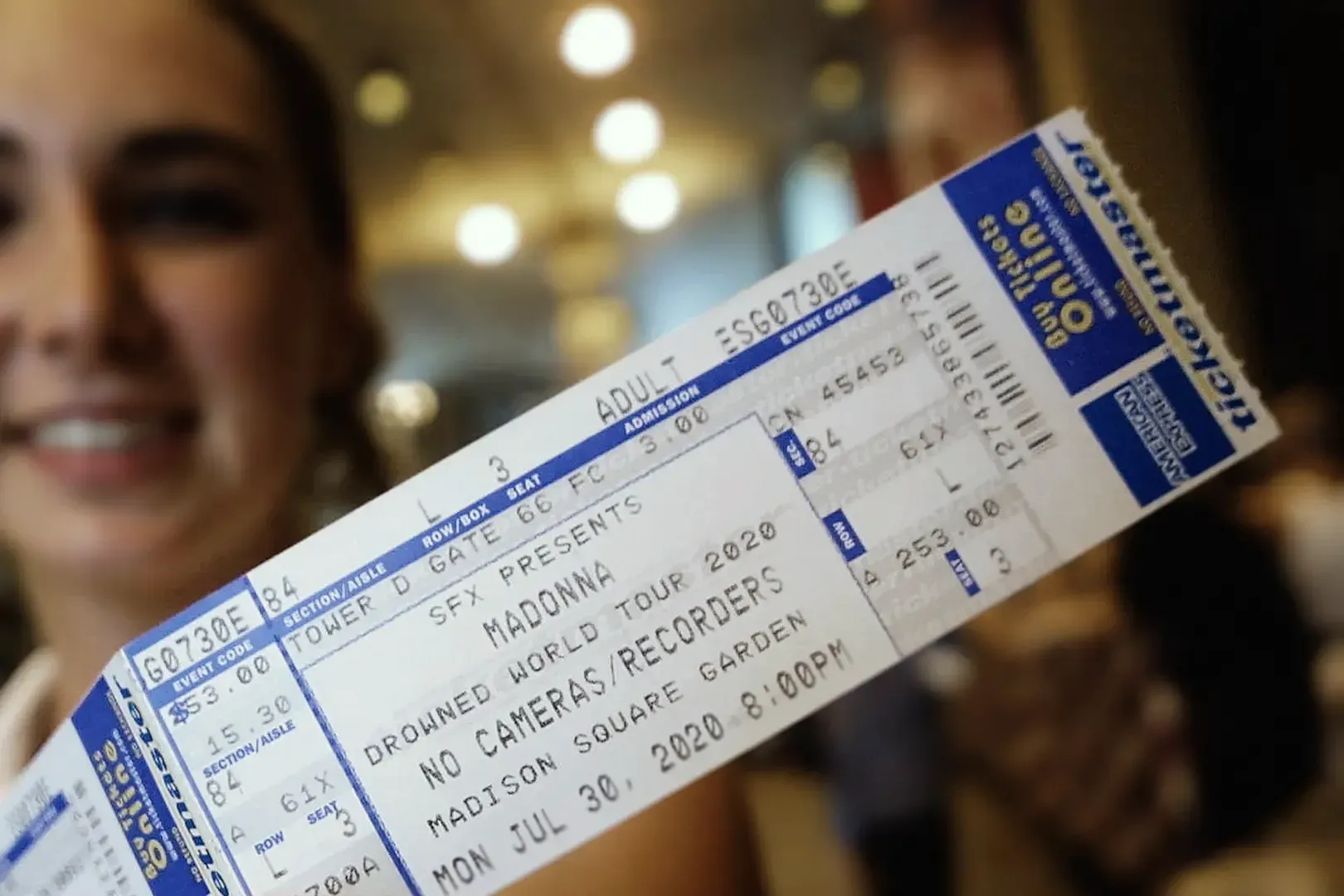
Printed concert ticket with a barcode held up to the camera

Barcode scanning for events, venues and gaming

Tickets, passes and IDs are checked at the door, in the venue and in players' own apps. barKoder adds the scanner to your app, so staff use ordinary phones and tablets and players use the phone they already have.

Event and tradeshow check-in

Attendee badges and tickets

Scan attendees as they arrive, one after another. Continuous scanning keeps the camera open between codes, so the scanner is ready for the next person without a tap.

See continuous scanning →

Ticket validation at the gate

QR, Aztec, PDF417

Read printed and mobile tickets in the common ticket symbologies. barKoder decodes the code on the device and returns its content; your app checks it against your ticketing system and decides who gets in.

Learn about Aztec codes →

Lottery and gaming tickets

Player-facing apps

Players scan the barcode on a physical lottery ticket to see whether it is a winner. Physical tickets are prone to damage, so the scanner has to handle damaged and deformed barcodes on any player's phone.

Read how Pollinate built it →

Venue access with ID documents

MRZ and QR in one SDK

Venues that must identify guests at the entrance can read the MRZ on passports and ID cards and the QR codes on passes with one SDK. MRZ scanning is available on every barKoder platform.

Explore MRZ scanning →

Age checks at the door

AAMVA parser

Scan the PDF417 barcode on a U.S. or Canadian driver's license and get the date of birth as a parsed field, so staff don't read it off the card by eye. Event security and visitor management are listed use cases of the AAMVA parser.

Explore the AAMVA parser →

Staff accreditation and zones

Credentials and restricted areas

QR codes and barcodes linked to an accreditation system let security staff check, in one scan, whether someone may enter a media center, backstage area or other restricted zone.

Read about scanning at large sports events →

Ticket barcodes and documents you'll scan

Enable only the symbologies your tickets use, so the scanner doesn't spend time looking for codes that never appear.

Codes common in entertainment and gaming
Code Where it appears Learn about it
QR Code Mobile and printed event tickets, accreditation passes, marketing QR Code
Aztec Event and mobile tickets; widely used in rail ticketing Aztec
PDF417 Venue tickets and credentials on plastic cards and paper PDF417
Code 25 Ticket numbers on some event tickets and admission passes Code 25
Driver's license PDF417 Age and identity checks with U.S. and Canadian licenses AAMVA parser
MRZ Passports and ID cards checked at venue entrances MRZ parser

Built for queues and worn tickets

Reads damaged tickets

Handles repeat scans and fast queues

With continuous scanning, set a delay between duplicate reads of the same code, so a ticket held in front of the camera isn't reported twice. Whether a second scan means re-entry or a copied ticket stays your app's decision.

Scanning runs on the device, and the SDK connects only for the license check, at least once every 30 days.

Start an SDK trial

Ticket and ID scanning on every platform

Run the same scanning engine in staff apps on Android and iOS, in player-facing apps built with cross-platform frameworks, and in browser-based check-in tools.

  • 7 native & desktop SDKs
  • 6 cross-platform integrations
  • One consistent scanning core

Ticket and access scanning in production

Event, lottery and venue-access apps running barKoder.

Ticket and access scanning resources

Try barKoder on your phone or in your browser

Install the free barKoder demo app, or open the web demo, and scan your own barcodes before you integrate the SDK.

iPhone and iPad

barKoder demo app for iOS

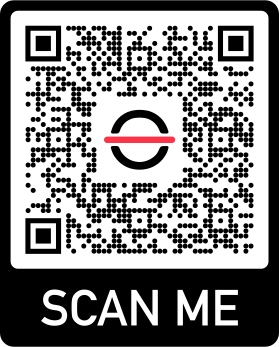
Scan with your camera, or point it at the QR code to open the App Store.

Download on the App Store
QR code linking to the barKoder demo app on the App Store

Android phones and tablets

barKoder demo app for Android

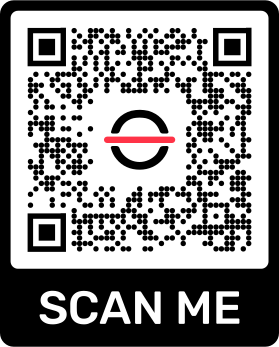
Scan with your camera, or point it at the QR code to open Google Play.

Get it on Google Play
QR code linking to the barKoder demo app on Google Play

Any modern browser

barKoder web demo

Runs the Web SDK in your browser, on desktop or mobile, with nothing to install.

Open the web demo
QR code linking to the barKoder web demo

Test with known samples. Print or display the testing sheet and scan each 1D and 2D barcode with the demo app. The data sheet summarizes the SDK for your team.

Ticket barcode scanning questions

Which barcode types do event tickets use?

QR codes are common on mobile and e-tickets. Aztec is common on mobile and rail tickets, PDF417 appears on printed tickets and credentials, and some admission passes use Code 25. barKoder reads all of them; enable only the ones your tickets use.

Can I build a ticket scanning app with barKoder?

Yes. barKoder is the scanning SDK inside your app: it reads the ticket and returns the content. Your app or ticketing backend checks whether the ticket is valid, already used or for another event. Native SDKs and framework plugins are available for Android and iOS, and the WASM Barcode Scanner SDK runs in the browser.

How do I stop the same ticket from being scanned twice?

Use continuous scanning with a delay between duplicate scans, so a code held in front of the camera is reported once. Rejecting a ticket that was already admitted is a check your app makes against its own records.

Can staff verify a guest's age from an ID?

Yes, for U.S. and Canadian driver's licenses and ID cards. The AAMVA parser returns the date of birth as a parsed field, and your app compares it with your age rule. Passports and ID cards can be read from their MRZ.

Can barKoder scan both MRZ and QR codes in one app?

Yes. SerOnuba's slots-parlour access control reads MRZ documents and QR codes with one barKoder SDK, after migrating from the MRZ Scanner SDK. See the guide to replacing the MRZ Scanner SDK with barKoder.

Does ticket scanning need an internet connection?

Decoding runs on the device. The SDK connects only for the license check, at least once every 30 days. Checking a ticket against your ticketing system depends on how your app stores and syncs ticket data.

How can I test it with our tickets?

Start a free trial, valid for 30 days on up to 25 devices. Test printed, mobile and worn tickets on the devices your staff will use at the door.

Add ticket and ID scanning to your event app

Test barKoder on your own tickets, passes and IDs with a free 30-day trial for up to 25 devices, or talk to an SDK expert about licensing for your deployment.