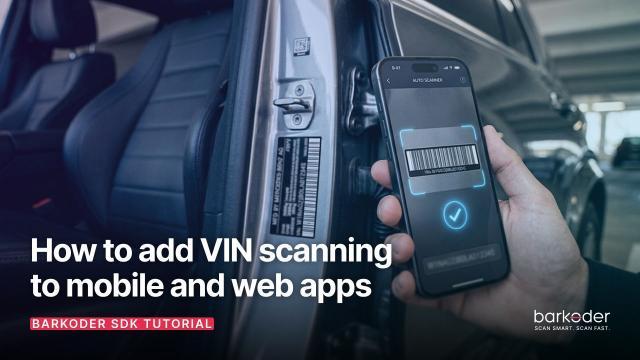
How to Add VIN Scanning to Mobile and Web Apps
Learn how to add VIN barcode scanning to mobile and web apps. This guide covers VIN barcode formats, scanning workflows, and how developers can integrate VIN scanning into their applications.
Automotive, fleets, car rental, VIN workflows. Tutorials, guides and news from the barKoder barcode scanner SDK blog.
Learn how to add VIN barcode scanning to mobile and web apps. This guide covers VIN barcode formats, scanning workflows, and how developers can integrate VIN scanning into their applications.

barKoder helps car rental companies improve fleet management, vehicle tracking, maintenance operations, and customer experiences through fast and reliable mobile barcode scanning. By turning smartphones and tablets into powerful scanning tools, rental businesses can reduce manual work, increase efficiency, and streamline daily operations.

With the emergence of enterprise-grade software solutions like the barKoder Barcode Scanner SDK, businesses are transitioning away from bulky physical hardware. By integrating an intelligent VIN scanning engine directly into mobile or web-based applications, organizations can transform standard smart device cameras into powerful, industrial data-capture tools.
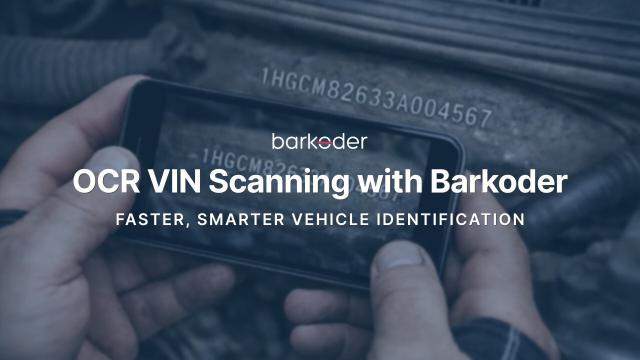
OCR VIN enables fast and accurate scanning of Vehicle Identification Numbers directly from text using the device camera. It recognizes 17-character VINs from metal plates, windshields, labels, and documents—no barcode required. Designed for real-world conditions, it works even in low light, at angles, or on worn surfaces. Ideal for automotive, insurance, fleet, and inspection workflows.
barKoder VIN Scanning Mode empowered with the Segment Decoding technique