Best Barcode Scanner SDK for Enterprise Apps
Choosing the right barcode scanner SDK can make a major difference in enterprise workflows - here’s what to consider for reliable, scalable scanning across industries and platforms.
Choosing the right barcode scanner SDK can make a major difference in enterprise workflows - here’s what to consider for reliable, scalable scanning across industries and platforms.
This guide demonstrates how to integrate the barKoder SDK into a Cordova + React project to create an enterprise-grade barcode scanning experience. Unlike basic demos, this project covers advanced implementations like VIN/DPM modes, gallery image decoding, and AR overlays, ensuring high performance even with damaged or blurry codes.

In an era where digital efficiency defines market leadership, the barKoder barcode scanner offers a revolutionary approach to enterprise data capture. By moving beyond traditional hardware constraints, the barKoder SDK empowers developers to transform any smartphone or tablet into a professional-grade scanning tool. Leveraging advanced decoding technology and a robust barcode API, barKoder ensures that even the most challenging, damaged, or low-resolution codes never slow down your workflow.
Learn how to build a high-performance, production-ready barcode scanning app using the barKoder Flutter SDK. Step-by-step tutorial leveraging native device capabilities for speed and accuracy.

Unlock the power of modern data capture with our comprehensive guide to selecting and integrating a barcode API. Learn how software-based SDKs are replacing traditional hardware, explore advanced features like MatrixSight® for damaged codes, and discover how to implement high-performance scanning across iOS, Android, and Web platforms.
This tutorial demonstrates how to build a complete, production-ready barcode scanning application using the barKoder Capacitor SDK.

As industries continue to digitize, barcode and QR code scanning technology has become a core part of modern business infrastructure. In 2025, companies require tools that are fast, reliable, and ready to integrate across platforms. The barKoder SDK stands out as the next-generation barcode scanning solution — built for developers, trusted by enterprises, and loved by users.

This section presents a performance and feature comparison between barKoder’s WebAssembly-based SDK and various popular open-source barcode scanning libraries, highlighting differences in speed, accuracy, supported symbologies, and browser compatibility.
barKoder Web SDK v1.3.8, is packed with important bug fixes, enhanced camera handling, expanded decoder support and new features

This is a starter app example with VueJS, showcasing the integration of the barKoder Barcode Scanner SDK for Capacitor.
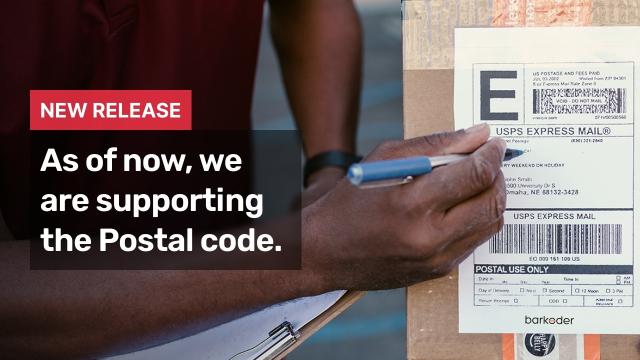
The Postal Service uses automated equipment that reads the barcode to process and sort mail.
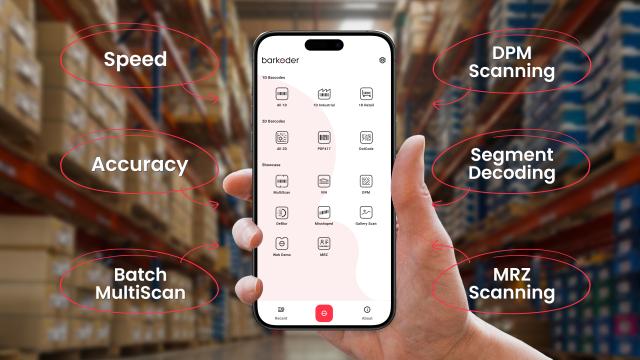
How to pick the right barcode scanner SDK (Software Development Kit) in 2025?
The choice between barcode scanning software SDKs and hardware barcode scanners

Testing the PDF417 samples using six different barcode scanners.