New Full Demo Apps for .NET MAUI, React Native & Flutter — Try barKoder Instantly
New Full Demo Apps for .NET MAUI, React Native & Flutter — Try barKoder in Minutes
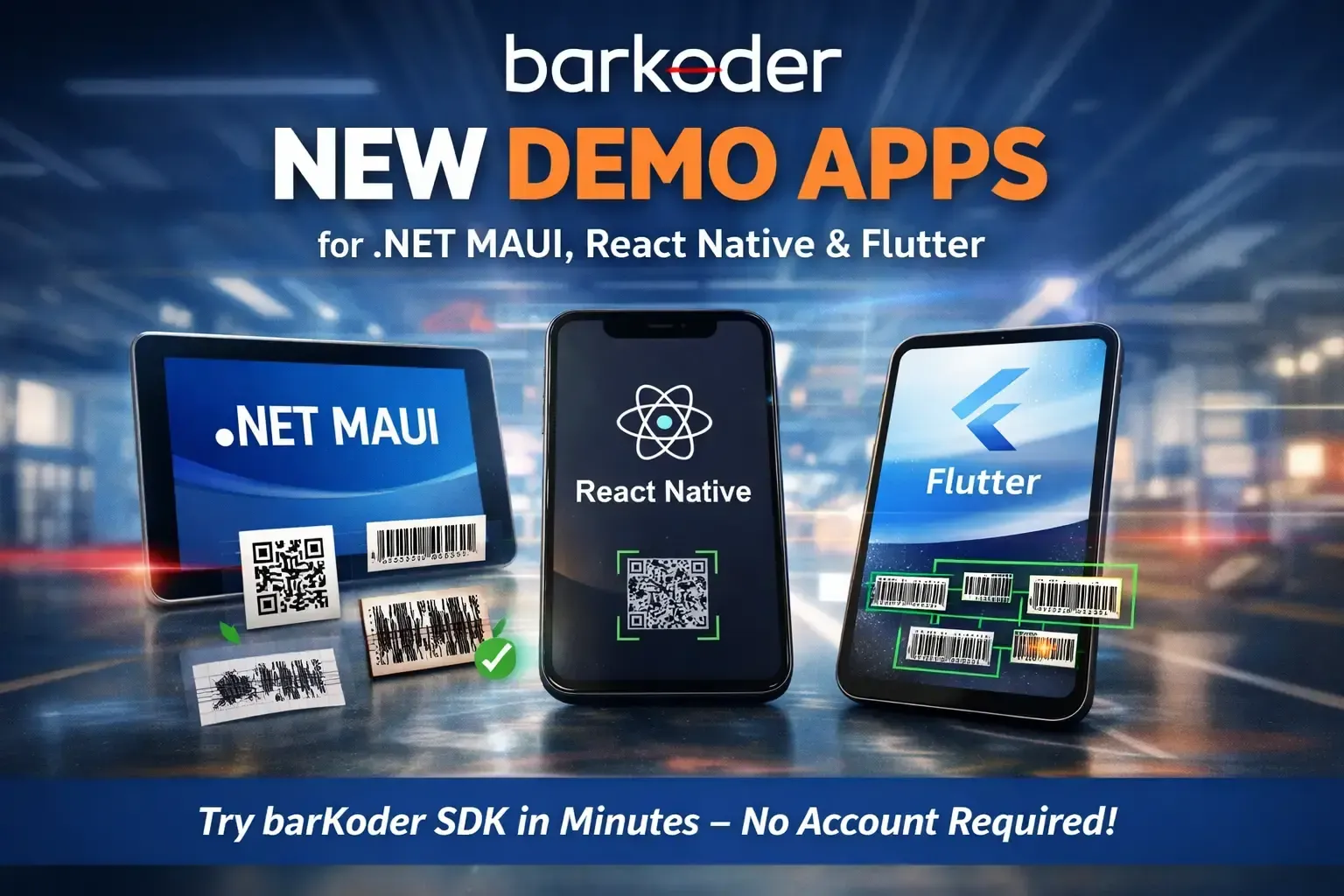
We’re excited to announce the release of three new full demo applications showcasing how easy it is to integrate the barKoder SDK into your cross-platform apps.
Whether you’re building with .NET MAUI, React Native, or Flutter, you can now:
- Clone a fully working sample app
- Run it immediately
- Test real barcodes
- Enable advanced scanning modes
- And evaluate barKoder — without even creating a developer portal account
👉 Start your free evaluation here:
https://barkoder.com/trial
No account required. No friction. Just download and test.
🔗 Explore the Full Demo Apps on GitHub
Each demo is a complete, production-style application — not just a code snippet.
- 🔷 .NET MAUI Full Demo App
https://github.com/barKoderSDK/barkoder-net-maui-full-demo-app - ⚛️ React Native Full Demo App
https://github.com/barKoderSDK/barkoder-react-native-full-demo-app - 🧡 Flutter Full Demo App
https://github.com/barKoderSDK/barkoder-flutter-full-demo-app
📱 What These Demo Apps Include
These aren’t minimal examples — they demonstrate real-world integration patterns.
✔ Full scanner UI flows
Camera lifecycle handling, permissions, configuration options, and result handling.
✔ Multi-symbology support
Test with:
- All supported 1D & 2D symbologies
- barKoder AR overlays
- DPM (Direct Part Marking)
- VIN barcode scanning
- MRZ and VIN OCR engines
✔ Advanced decoding capabilities
Enable and experiment with:
- Segment Decoding — reconstruct partially missing barcodes
- MatrixSight — recover severely damaged codes
- PDF417-LineSight — enhanced PDF417 recovery
- DeBlur — improved scanning under motion blur
- Batch MultiScan — detect multiple barcodes simultaneously
These apps let you see the difference in real conditions.
Evaluate barKoder Instantly — No Account Required
You can now evaluate barKoder directly from our new Trial page:
This allows you to:
- Download the SDK
- Get a trial license
- Test up to 25 devices
- Evaluate full functionality
- Without creating a developer portal account
We removed the friction from the evaluation process so you can focus purely on performance testing.
🧠 Why This Matters
With these demo apps, you can:
- Reduce evaluation time from days to minutes
- Copy proven integration patterns
- Benchmark performance against real-world samples
- Test advanced modes like DPM or damaged barcode recovery
- Deploy cross-platform without rewriting logic
And now — start instantly via the Trial page.
🚀 Ready to Try?
1️⃣ Visit https://barkoder.com/trial
2️⃣ Download the SDK
3️⃣ Clone your preferred demo app
4️⃣ Run it on your device
5️⃣ Start scanning
If you need help, our documentation and support team are ready. And keep an eye out for Capacitor, Cordova and NativeScript demo apps!
We’re excited to see what you build.