
Welcoming Keo Sar to barKoder as Strategic Growth Advisor
We are thrilled to announce a major milestone in our company's journey to accelerate this vision: Keo Sar has officially joined barKoder as our Strategic Growth Advisor.
Read about barKoder latest news, updates and tutorials.
We are thrilled to announce a major milestone in our company's journey to accelerate this vision: Keo Sar has officially joined barKoder as our Strategic Growth Advisor.
This guide demonstrates how to integrate the barKoder SDK into a Cordova + React project to create an enterprise-grade barcode scanning experience. Unlike basic demos, this project covers advanced implementations like VIN/DPM modes, gallery image decoding, and AR overlays, ensuring high performance even with damaged or blurry codes.
This guide walks through barkoder_app_nativeScript, a NativeScript demo app built with the official barkoder-nativescript plugin.
Here are 100 genuinely great, sometimes underrated, occasionally funny reasons why barcodes and barcode scanning are kind of amazing.
Barcode scanning and Optical Character Recognition (OCR) technologies are essential for modern mobile and enterprise applications. Solutions from companies like barKoder, Scanbot, Scandit, and Dynamsoft enable developers to capture data quickly from barcodes, documents, and ID cards. These SDKs help businesses digitize workflows, improve accuracy, and automate processes across industries such as logistics, retail, healthcare, and fintech.
Learn how to build a high-performance, production-ready barcode scanning app using the barKoder Flutter SDK. Step-by-step tutorial leveraging native device capabilities for speed and accuracy.
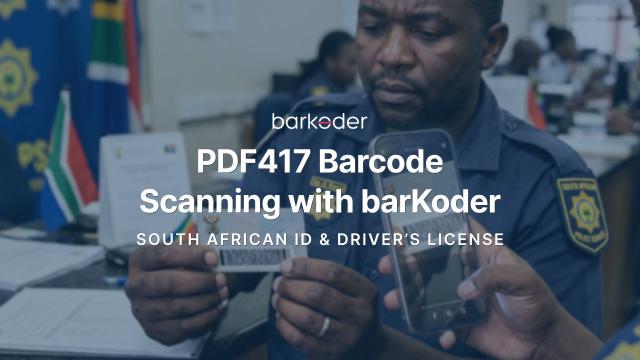
Learn how to scan and decode PDF417 barcodes from South African IDs and driver’s licenses, including structured data parsing and image extraction using barKoder SDK.

barKoder has achieved ISO/IEC 27001:2022 certification, confirming its commitment to the highest international standards for information security management and operational reliability.
barKoder proudly announces the release of barKoder SDK 1.6.8 along with the barKoder App, now available on the Play Store and App Store. This update delivers key improvements that enhance performance, accuracy, and overall barcode scanning capabilities for mobile and web platforms.

This tutorial demonstrates how to build a complete, production-ready barcode scanning application using the barKoder Capacitor SDK.
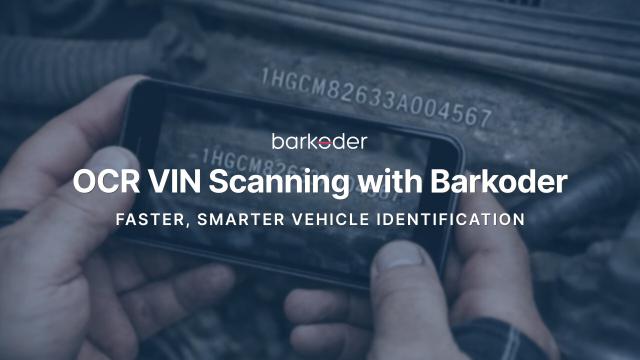
OCR VIN enables fast and accurate scanning of Vehicle Identification Numbers directly from text using the device camera. It recognizes 17-character VINs from metal plates, windshields, labels, and documents—no barcode required. Designed for real-world conditions, it works even in low light, at angles, or on worn surfaces. Ideal for automotive, insurance, fleet, and inspection workflows.
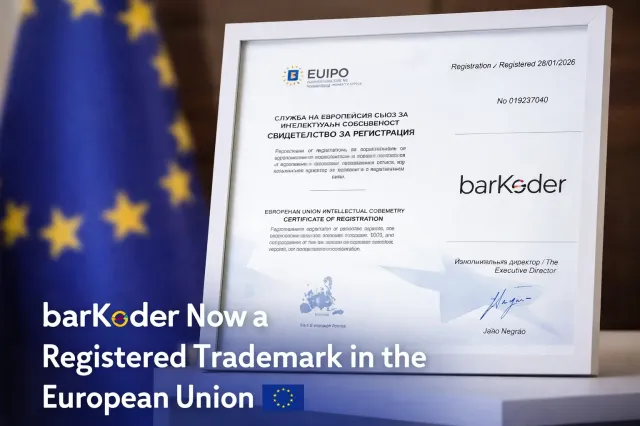
barKoder is now officially registered as an EU trademark, reinforcing our long-term commitment to trusted barcode and OCR scanning innovation.